Sample project · AI receptionist demo video

One call, answered.
Plumbing, water heater leak.

A 41 second sample with a fictional plumbing company. An AI generated receptionist with her own look and voice, a stressed caller on a phone line, eight feature buttons that light up as the call moves through each step, and transcript bubbles on the right timed to the dialogue. The same structure scales to full 2 to 3 minute product demos in any brand style.

16:9 · 1920 × 1080 · 30 fpsTwo voices, caller on a phone line EQ8 feature buttons, timedLive transcript, timed

A new receptionist for every business

Each video gets its own character and accent. Before production the character image and short voice samples for the receptionist and the caller are approved, and nothing moves until they are.
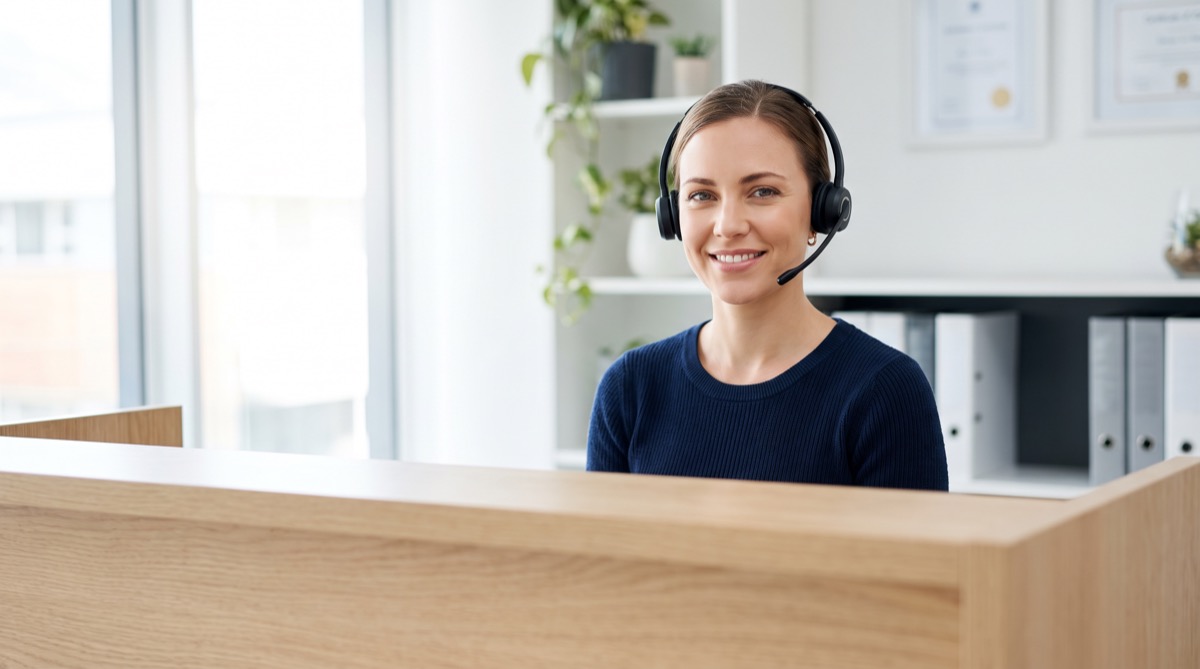
AI generated receptionist with headset at a reception desk
  • LookProfessional, warm, always on. A real front desk feeling, not a robot or a chatbot avatar.
  • VoicesReceptionist and caller cast separately, with the pacing and caller mood from the production notes. The caller is filtered like a real phone line so the two are easy to tell apart.
  • TimingThe buttons and the transcript are driven by the actual word timings of the voice track, so a feature lights up on the exact word where it happens.

The eight buttons in this sample

Feature names are examples and can be swapped for any product. Each one highlights at the moment of the call where the feature is used, and stays ticked afterwards.

0:0224/7 AnsweringPicks up on the first ring.
0:08Emergency TriageRecognises a leak as urgent.
0:15Safety GuidanceTells the caller to close the valve.
0:18Address CaptureAsks for and confirms the address.
0:25Live SchedulingOffers the next free technician.
0:29Booking ConfirmedBooks the slot when the caller agrees.
0:33SMS ConfirmationSends the text confirmation.
0:35Urgent Team AlertFlags the job for the team.

How a demo series gets made, in 3 steps

One template, built and approved once, then every video in the series reuses it.

Step 1

Template and brand

The layout is built in the brand style: character frame, the eight buttons, transcript bubbles, colours and fonts. It is approved once.

Step 2

Character and voices

For each script: character image plus short voice samples for receptionist and caller, approved before production starts.

Step 3

Video

Full 2 to 3 minute video with lip synced receptionist, timed buttons and transcript, music bed and a clean mix. Revisions until it matches the approved script.

Tools behind the sample

Tools used for this sample: Nano Banana Pro for the character still, Grok Imagine for motion, ElevenLabs for both voices, Remotion for the layout and timing, ffmpeg for the mix. In this short sample the mouth movement is generated and not synced word by word; the production videos use frame accurate lip sync. Northgate Plumbing is fictional and the receptionist is AI generated.

Short FAQ

Which tools do you use for character, voice and lip sync?

Nano Banana Pro for the character, ElevenLabs for receptionist and caller voices, Grok Imagine or Kling for motion, a dedicated lip sync model for the speaking shots, and Remotion for the on screen interface, so buttons and transcript are exact and easy to update.

How long does one video take?

About 2 working days from approved character and voices to delivery. Several videos can run in parallel.

How do you handle revisions after delivery?

Changes that bring a video in line with the approved script and direction are included. Because the interface is built in code, text, timing and button changes are quick and do not touch the character footage.

Can the interface match a landing page exactly?

Yes. The template is rebuilt with the brand colours, fonts, button names and icons before the first video.